A quote every day
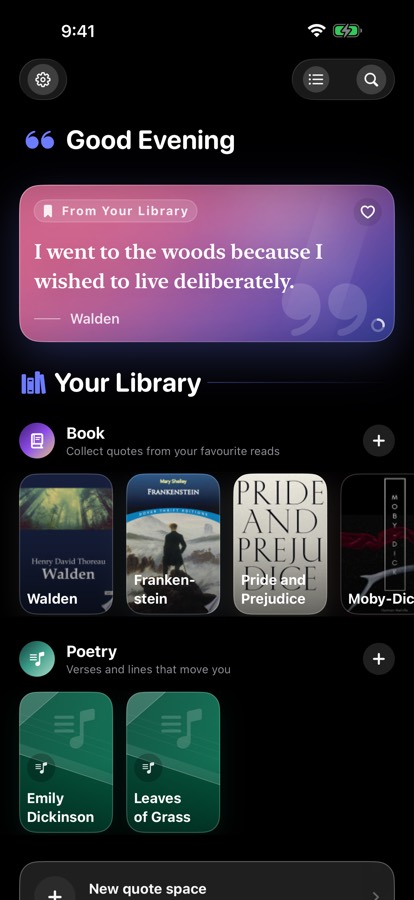
A curated line each morning, mixed with quotes from your own library. It changes at midnight, on its own, whether or not you open the app.
Free · iPhone · No account
Every good line you meet deserves somewhere better than a screenshot. QuoteDiary collects them, keeps them organised, and turns any one of them into something worth sharing.
Free, for iPhone — with a Home Screen widget. How your data works
What it does
A quote needs a source, somewhere to sit, and a way to find it again months later. The app is built around those three things.
A curated line each morning, mixed with quotes from your own library. It changes at midnight, on its own, whether or not you open the app.
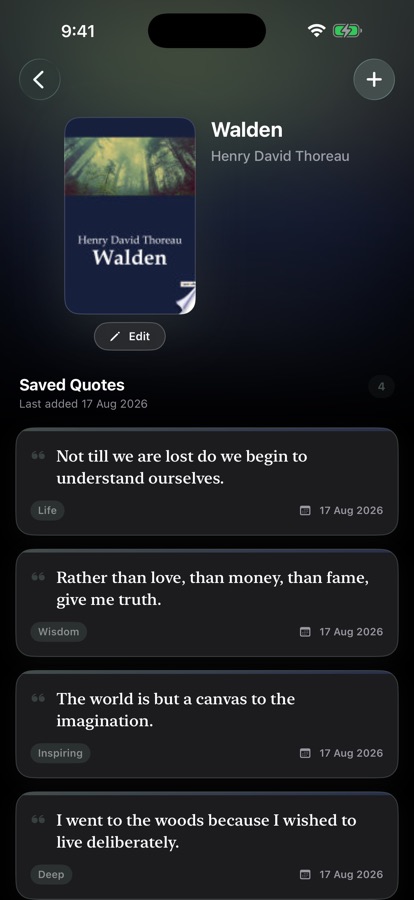
Group by book, newspaper, poetry, journal — or invent your own. Each collection carries its own colour, so your library is legible at a glance.
Favourite what matters. Every quote you've saved, newest first, filtered by tag or favourite — plus search across everything you've written down.
Point the camera at a book's barcode and the title, author and cover fill themselves in. Or scan the page itself and lift the text straight off it.
A widget that rotates through the day's quotes, in small, medium, and a Lock Screen size. It stays right even when the app hasn't been opened.
Your library follows you between your devices through iCloud Sync, on unless you switch it off. It travels through your own iCloud account — never through a server of ours.
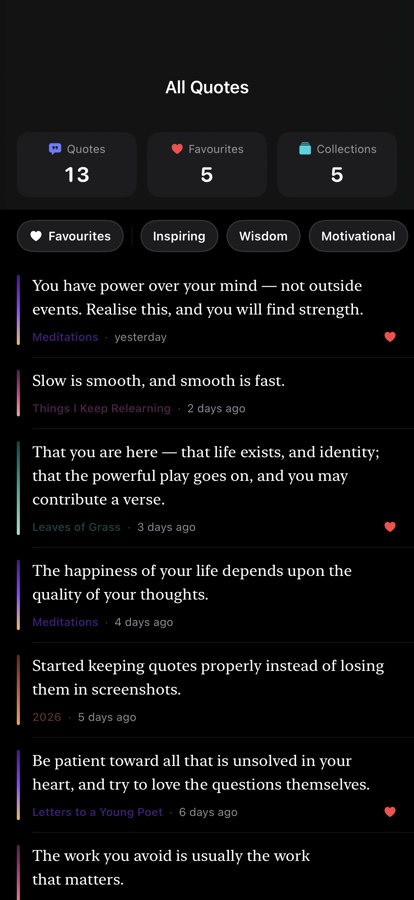
One list across every collection, filtered by favourite or tag. The colour on each line tells you where it came from.
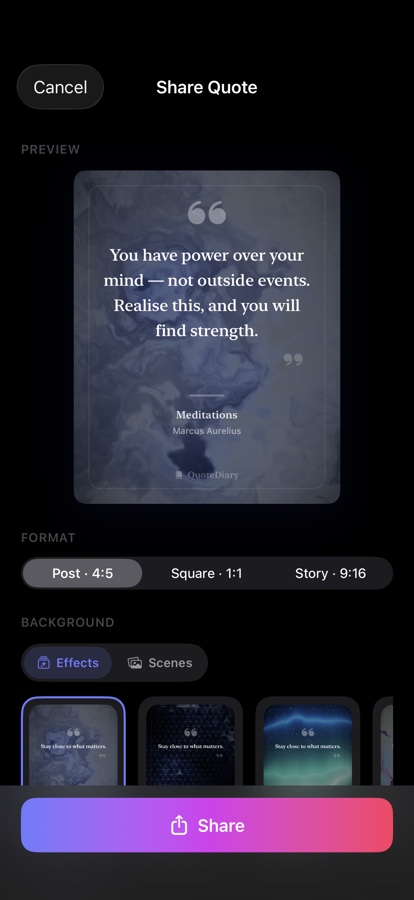
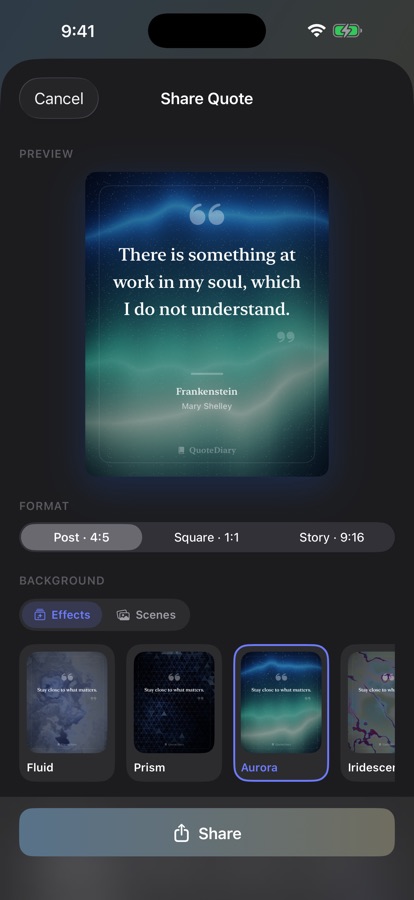
Preview the card as you build it — background, format, typeface — and send the finished image anywhere.
Share
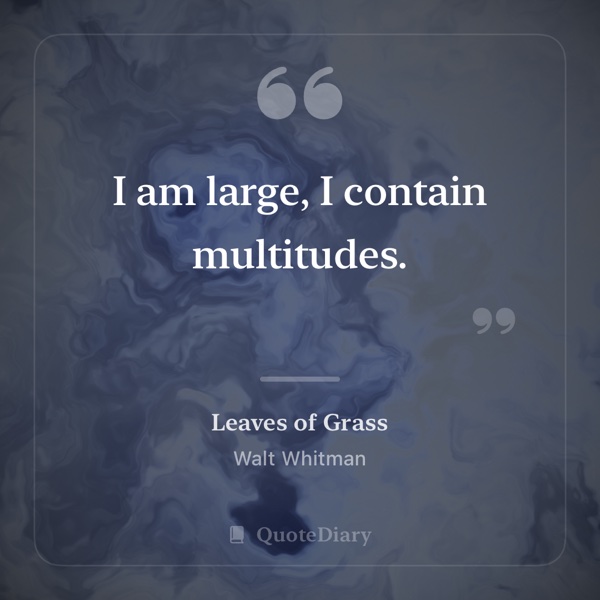
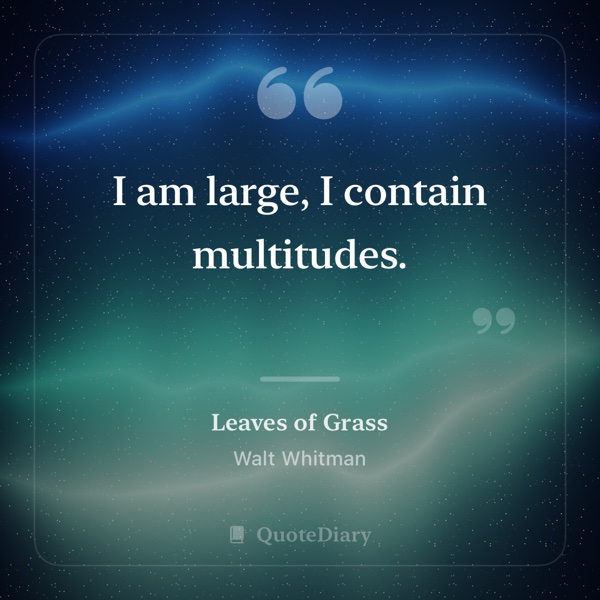
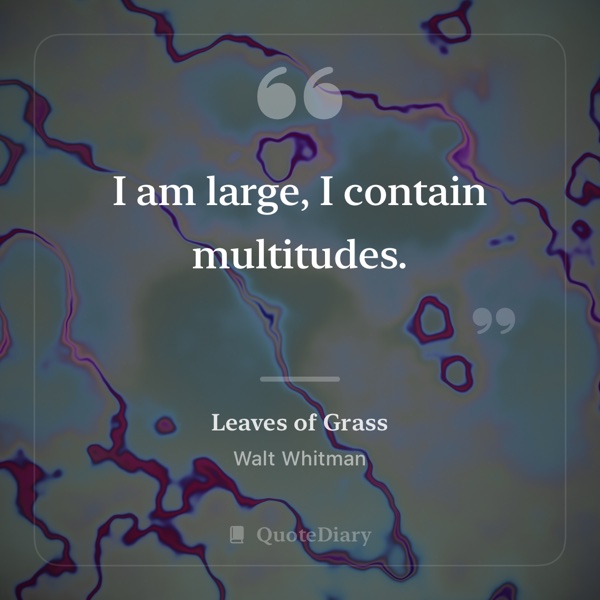
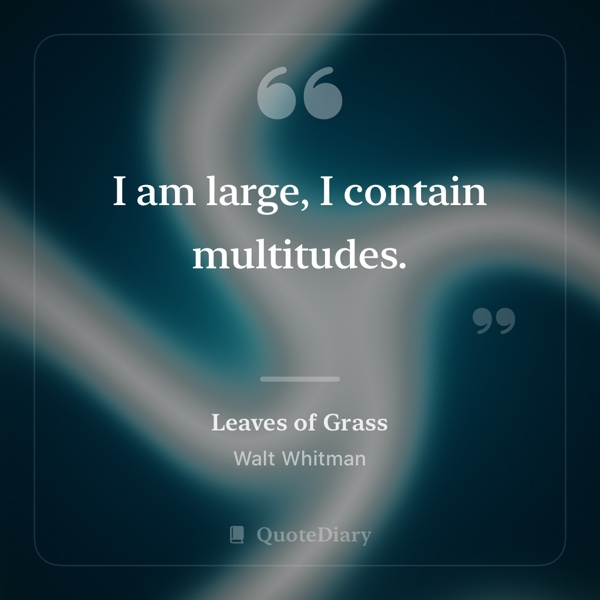
Many of the backdrops are painted by the app itself rather than photographed, and they take their colours from the real thing — the greens and violets of an aurora, the sheen across a soap bubble, light bending through glass. Choose one, pick a format and a typeface, and the card is yours.
Scan the page
Typing a quote out is the slow part. Point the camera at the paragraph and the text goes straight into a new quote, with the book it came from already attached.
Choose Scan Text from any collection and hold the page in view. There's no need to flatten the book, line it up, or take a photo first.
Tap the lines you want, whether that's a single sentence or a whole passage. Only what you select is captured.
The text opens in a new quote, where you can add tags, a page number, or edits before saving. After that it works like any other quote in your library.
Recognition happens on your iPhone. No image is uploaded, and nothing is kept but the words you choose to save.
Capture
The friction in keeping quotes is the typing. So most of it is gone.
Privacy
The app has no account, no analytics, and no server holding your library. What you save stays on your device and, while iCloud Sync is on, in your own iCloud account — and nowhere else.
Out now on the App Store. Free, for iPhone.

 Scan with your iPhone